Convert WebP to SVG
Websites now often serve images as WebP, so a logo or sticker saved from a page is frequently a .webp file that design tools and cutting machines won't take. Adaver traces a WebP straight into an SVG made of shapes, with no conversion to PNG first.
PNG, JPG, WebP, AVIF, BMP or GIF. Finished drawings are saved to My drawings.
Example
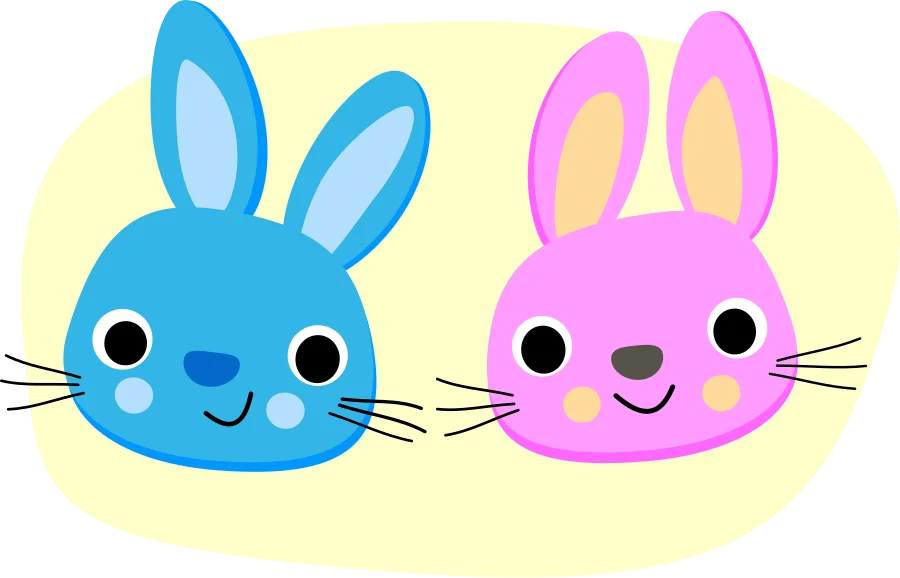
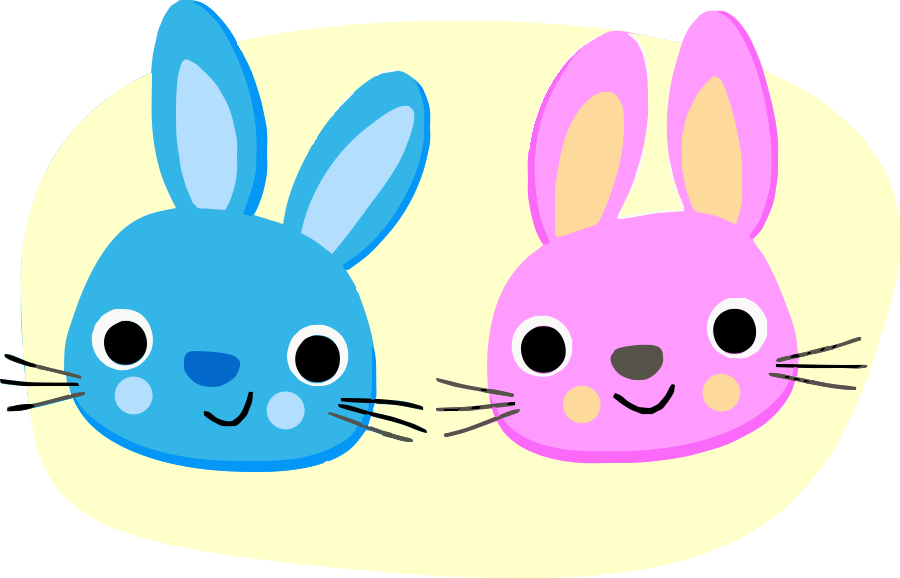
A rabbits sticker (CC0) saved as WebP and traced straight from the .webp file into 101 shapes in 11 colors, with the default settings and no edits by hand.
How to convert WebP to SVG
Add the WebP
Choose, drop or paste the .webp file; Adaver reads it directly. AVIF, the other modern web format, works the same way.
Check the trace
Studio opens with the vector over your image. Slide the divider in Compare to check the edges, and try other trace settings if small parts are missing.
Download SVG or another format
With Pro, download the SVG, or PDF, EPS, DXF or PNG made from the same drawing. Each new version or format uses 1 credit.
Lossy and lossless WebP
WebP comes in two kinds. Lossless WebP keeps every pixel, like a PNG, and traces just as cleanly. Lossy WebP saves space the way JPEG does, by smudging fine detail, and leaves faint blotches around edges.
For a lossy file, turn on Clean up JPEG noise in Studio's trace settings: it smooths WebP's compression noise the same way, and merging similar colors afterwards removes what is left.
Images saved from websites
A WebP saved from a website is often a small, resized copy. If you can, find the original logo or illustration; otherwise use Upscale 2× in Studio so the tracer has more pixels to follow.
Check that you may use it. An image saved from someone else's site still belongs to them, and tracing it doesn't change that.
Questions
Do I need to convert WebP to PNG first?
No. Adaver reads WebP directly and traces it the same way as a PNG or JPG, so converting first only adds a step.
What about animated WebP files?
Adaver traces still images. For an animated WebP, save the frame you want as a still image first, then upload that.
Is the SVG smaller than the WebP?
For a flat sticker or icon in a few colors, often yes, and it stays sharp at any size, which a WebP doesn't. For detailed artwork the SVG can be larger, because every color area becomes a shape.
Can I edit the colors after tracing?
Yes. Every color area is a separate shape in Studio, so you can recolor, merge or delete them, free with an account. Downloading the result needs Pro.
More in the FAQ and on the pricing page.