Image to vector: turn a picture into shapes
Vectorizing an image means redrawing it as outlines and fills instead of pixels. Adaver does the redrawing for you: upload a PNG, JPG, WebP, AVIF, BMP or GIF, and it traces every color area into a vector shape. This page explains what that changes, which pictures suit it, and what to expect from the result.
PNG, JPG, WebP, AVIF, BMP or GIF. Finished drawings are saved to My drawings.
Example
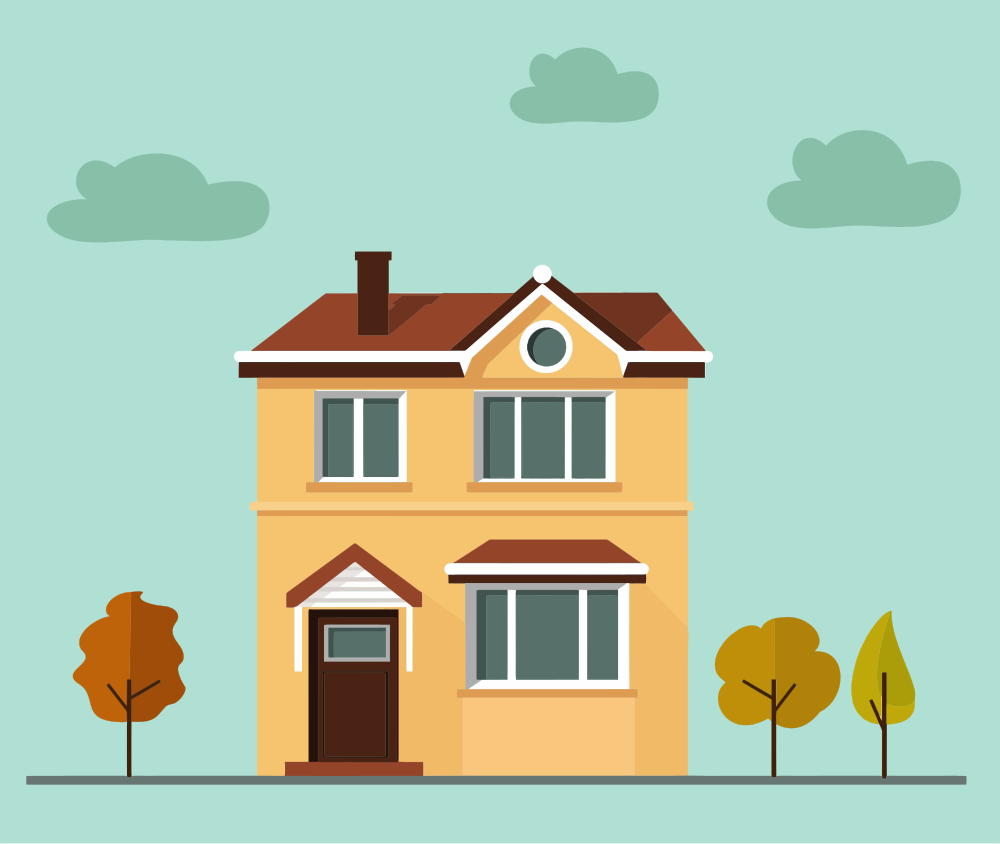
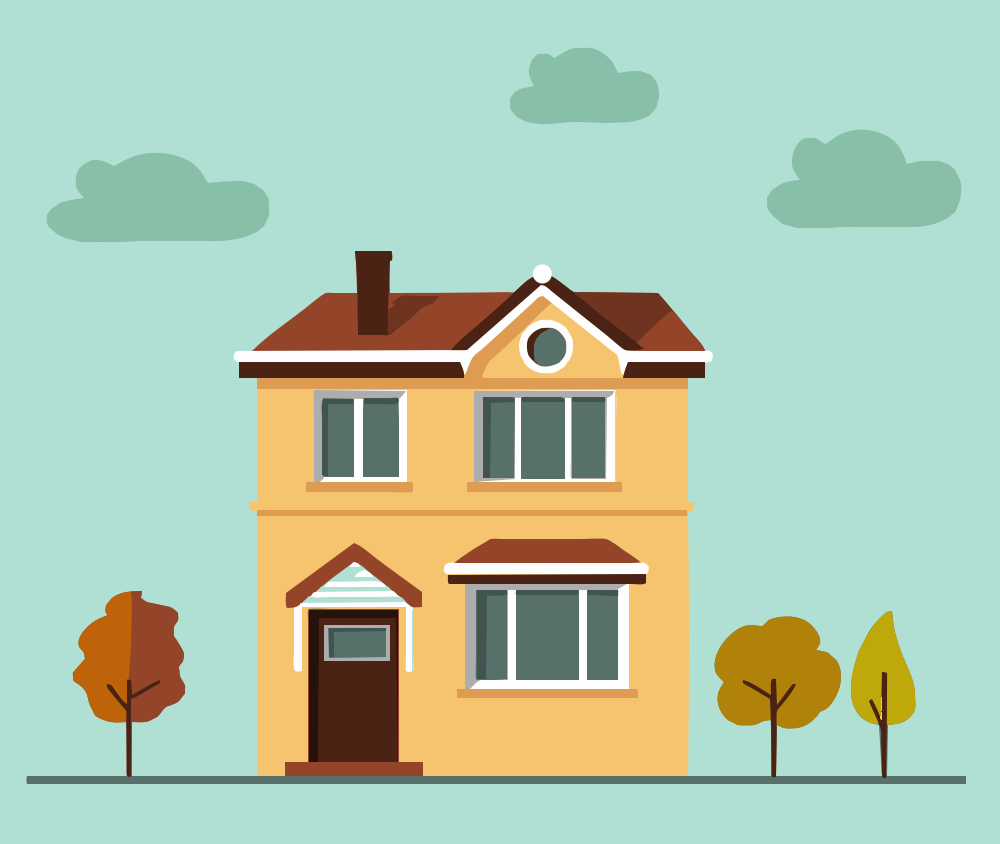
A flat clipart house scene (CC0, from Openclipart) traced into 65 vector shapes in 15 colors, with the default settings and no edits by hand.
How to vectorize an image
Pick the right picture
Logos, icons, badges, clipart and flat illustrations work best. Choose, drop or paste the largest copy you have; Adaver accepts PNG, JPG, WebP, AVIF, BMP and GIF.
Let Adaver trace it
Adaver finds each color area, follows its edge and writes it as a vector path. Studio, the editor, opens with the result over your original, so you can see exactly what changed.
Fix, then export
Merge colors, delete specks and try other trace settings. With Pro, export the same drawing as SVG, PDF, EPS, DXF or PNG; each new version or format you download uses 1 credit.
Pixels or shapes: what changes
A raster image such as a PNG or JPG is a grid of colored squares. Enlarge it and the squares show, as blur or jagged steps. A vector image describes the same picture as shapes: an outline, a fill color and the order they are stacked in. Shapes can be drawn at any size, so one file works on a phone screen and on a billboard.
Shapes are also easier to change. You can recolor one part without touching the rest, delete a background, or send the outlines to a laser or vinyl cutter, none of which a grid of pixels allows.
Which images vectorize well
A useful test: could you count the colors? A logo in three colors, an icon, a sticker or a cartoon becomes a handful of clean shapes. Fine texture, soft shadows and photographs don't, because every small change in shade turns into another flat patch, and a portrait can end up as thousands of them.
Size matters too. A tracer follows edges pixel by pixel, so a 100-pixel logo gives it little to work with. Start from the biggest, sharpest copy; in Studio, Upscale 2× or 4× helps a small image.
Questions
Is vectorizing the same as converting to SVG?
Almost. Vectorizing is the redrawing; SVG is one file format that holds the result. Adaver's drawing can also be saved as PDF or EPS for print, DXF for cutting machines, or PNG again, all from the same traced shapes.
Does the vector look exactly like my image?
Close, but not pixel for pixel. Tracing smooths jagged edges and turns each color area into one flat fill, so gentle gradients become bands. Use Compare in Studio to check, and change the trace settings until it looks the way you want.
What does it cost to vectorize an image?
Tracing needs an account. Tracing and editing by hand cost nothing within fair use; downloading the result needs Pro, a monthly plan. The pricing page shows today's price.
Can I vectorize a photo?
It works, but rarely gives what people want: a photo becomes thousands of flat shapes and a large file. For a flat drawing of the same subject, the AI SVG generator draws one from a description, using credits.
More in the FAQ and on the pricing page.