Convert JPG to DXF
Designs for laser cutting often arrive as a JPG: a client's logo, a photo of a sign, a scanned stencil. Adaver cleans up the JPEG, traces each color area into a closed outline and writes a DXF that laser, CNC and CAD software can open.
PNG, JPG, WebP, AVIF, BMP or GIF. Finished drawings are saved to My drawings.
Example
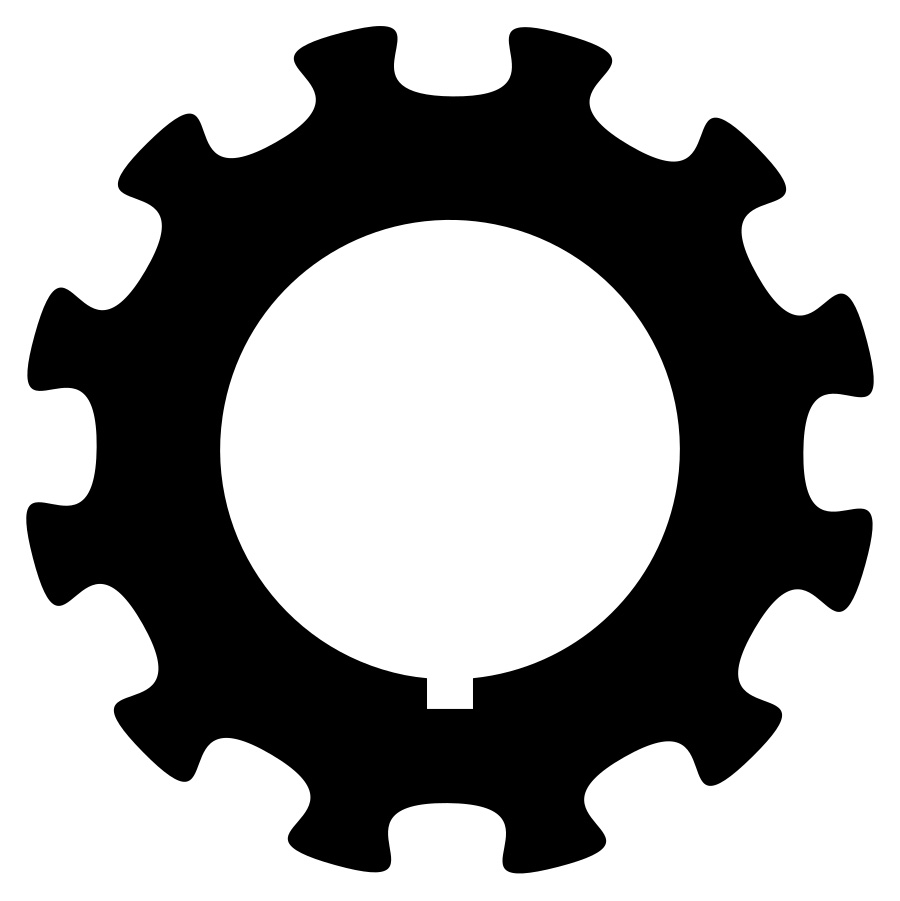
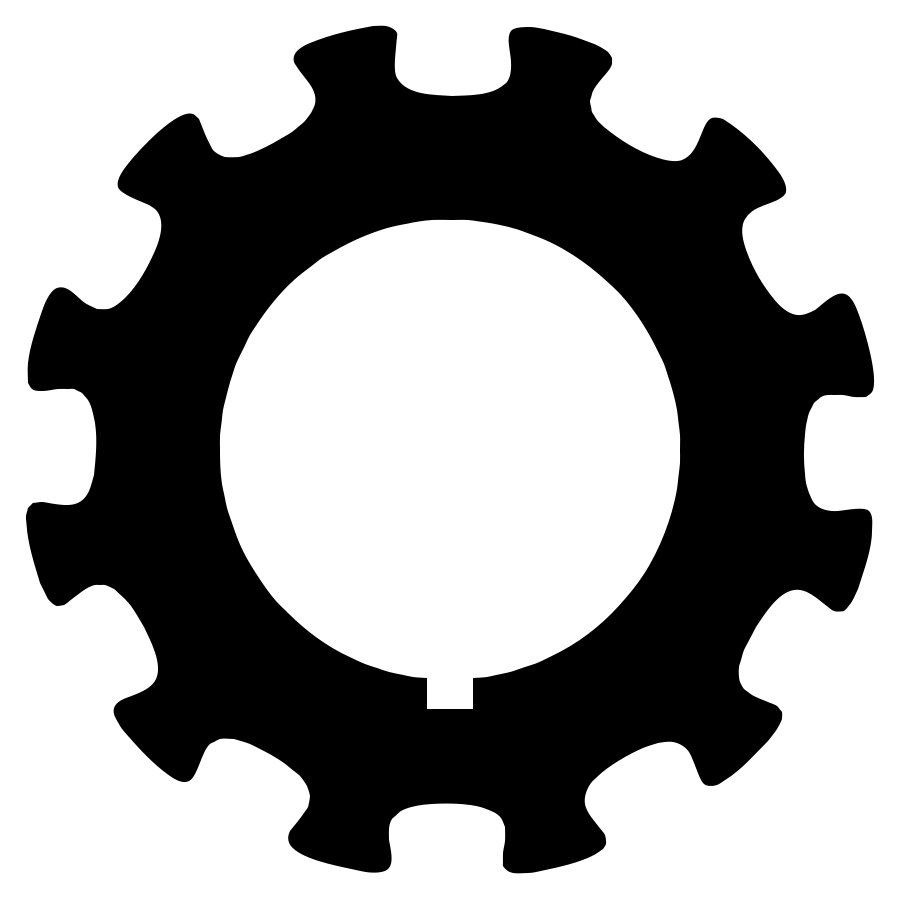
A gear saved as a JPEG (CC0), traced into two shapes: the white background and the black gear. Delete the background, and the gear, holes included, is what the DXF cuts.
How to convert JPG to DXF
Upload the JPG
Choose, drop or paste it. High-contrast designs, such as dark artwork on a light background, give the cleanest outlines.
Reduce it to what you'll cut
Switch Color mode to B&W for a one-color design and move the threshold until the shapes are solid. Turn on Clean up JPEG noise, then delete the background shape and any specks.
Download the DXF
With Pro, download the DXF and set its final size in your software. Each new version or format you download uses 1 credit.
Why JPEG noise matters for cutting
On screen, a few stray pixels along an edge are invisible. In a DXF each one becomes a tiny closed outline, and the laser cuts or burns every one of them, which wastes time and can leave scorch marks on the material.
Clean up JPEG noise smooths those pixels away before tracing, and B&W mode leaves only two colors, so there are no in-between shades to trace. Check the result in Compare, then delete anything left that you don't want cut.
Outlines, lines and engraving
Every filled area becomes a closed outline, and a drawn line is traced along both of its edges. That suits cutting shapes out or engraving filled areas. For a single-stroke engraving along a line, a tool that draws center lines is the better fit.
The DXF itself is simple: closed polylines (LWPOLYLINE) on layer 0, each with its true color, and no units. One unit is one pixel of the traced image, so scale the drawing in your software after you open it.
Questions
Can my laser software open the DXF?
Most laser and CNC programs import DXF, and this one is a plain set of closed polylines. Open it, set the size, and check it on screen before the first cut.
Should I ask for a PNG instead of the JPG?
If you can get a PNG or the original vector file, use it: neither has compression noise. If the JPG is all there is, the cleanup settings make up most of the difference.
Why are there two lines around every stroke?
Adaver traces areas, not center lines, so a drawn line becomes a thin shape with an outline on each side. Thicken or fill the design before tracing if you want one cut per line.
Do I need Pro for the DXF?
Yes. Tracing and editing are free with an account, within fair use; downloading the DXF needs Pro.
More in the FAQ and on the pricing page.