Make an SVG for Cricut from an image
Cricut Design Space cuts along the shapes in an SVG, so a design saved as a PNG or JPG needs tracing first. Adaver traces the image into one shape per color area, lets you clean it up for cutting, and gives you an SVG to upload to Design Space.
PNG, JPG, WebP, AVIF, BMP or GIF. Finished drawings are saved to My drawings.
Example
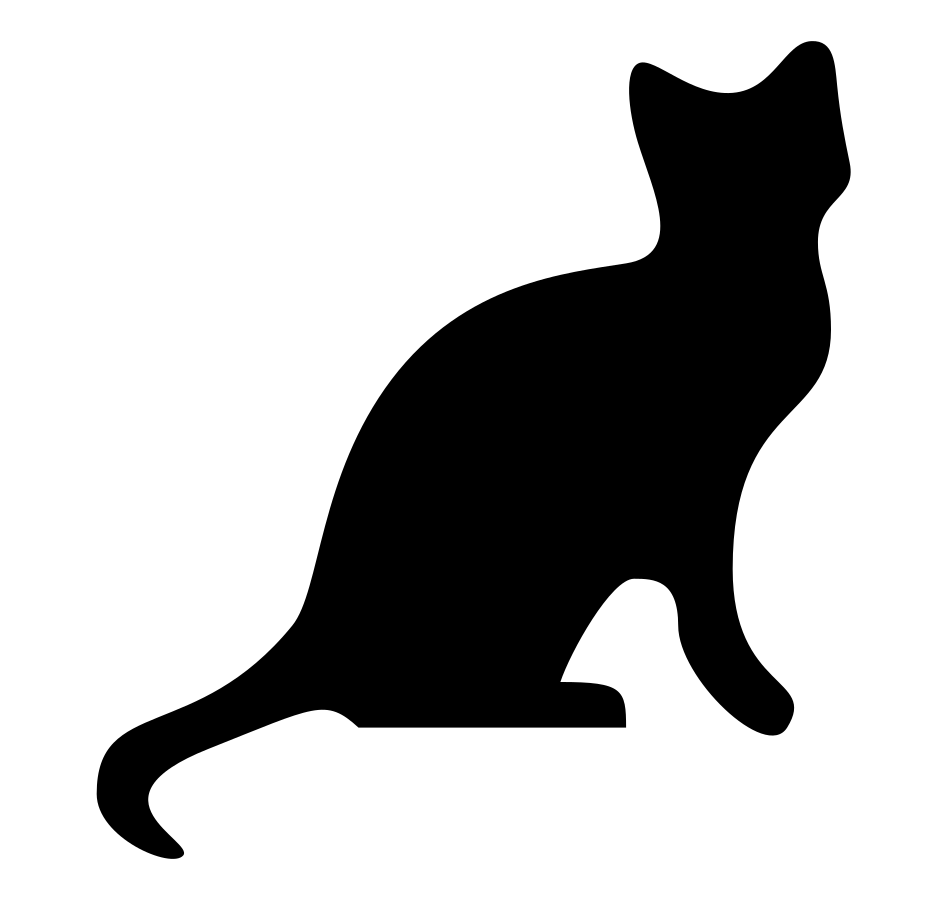
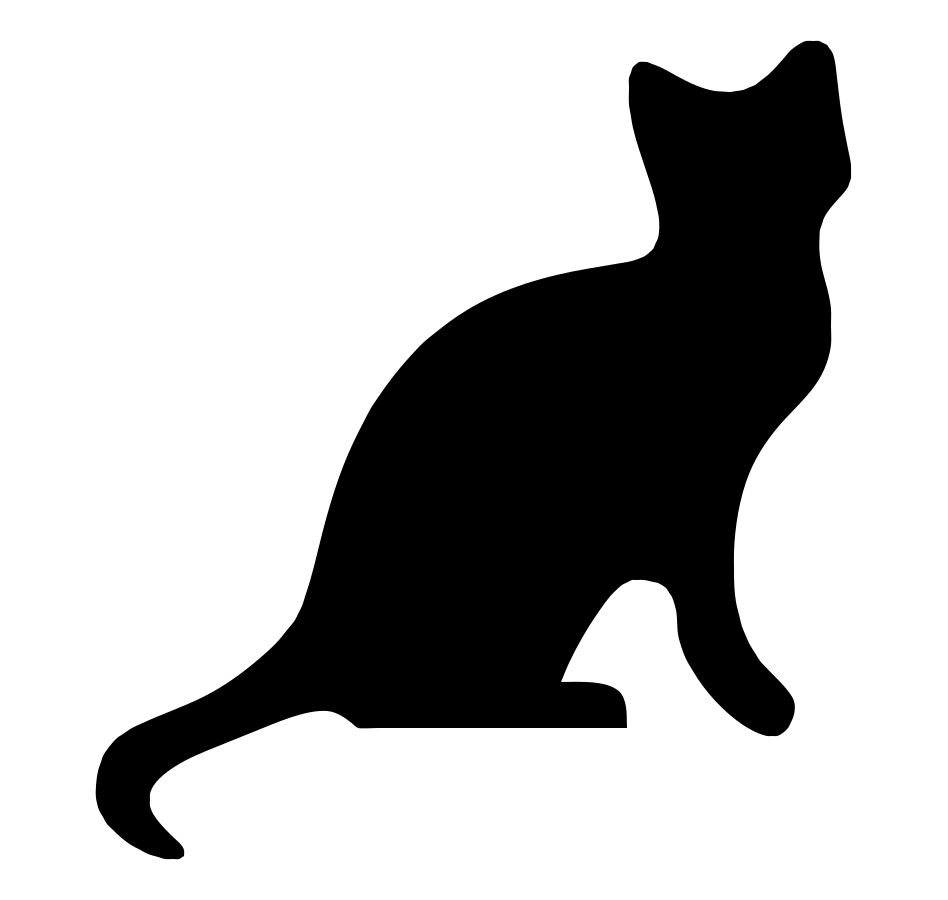
A one-color cat silhouette (CC0), a PNG with a transparent background, traced into 6 black shapes and no background shape, ready to cut from one sheet of vinyl.
How to make a Cricut SVG
Upload the design
Choose, drop or paste a PNG or JPG with bold shapes and few colors, such as a decal, a silhouette or lettering.
Make it cuttable
Merge colors until there is one per vinyl or paper color, delete the background shape and any specks, and use B&W mode for a one-color cut.
Download and upload to Design Space
With Pro, download the SVG, then in Design Space choose Upload, then Upload Image, and select the file. Each new version or format you download uses 1 credit.
One color per material
Design Space puts each color of a design on its own mat. A design traced into 40 slightly different shades would mean 40 mats, so merge colors in Studio until the count matches the materials you plan to cut.
For layered vinyl, plan from the bottom up: the largest base color first, the details on top.
Designs that cut well
Bold shapes cut cleanly; hairlines, tiny dots and narrow gaps tear or lift when you weed the vinyl. Delete specks in Studio and leave very fine detail out of the design.
Lettering is traced as shapes, so letters keep their look but can't be retyped. Check that script writing meant to stay joined is one shape before you cut.
Questions
Does Design Space accept Adaver's SVG?
Design Space uploads SVG files, and Adaver's SVG is made of plain filled shapes, which is what the machine cuts. Look at the design on the canvas before you send it to the machine.
Why does my design have so many colors in Design Space?
Tracing keeps the near-identical shades left by shadows and anti-aliasing. Merge similar colors in Studio before you download, or use B&W mode for a one-color design.
Is making a Cricut SVG free?
Tracing and editing are free with an account, within fair use. Downloading the SVG needs Pro, a monthly plan; the pricing page shows the price.
Can I use any image I find?
Only images you have the right to use. Many designs shared for cutting machines are licensed for personal use only, and tracing one doesn't change its license.
More in the FAQ and on the pricing page.