

Image to SVG for websites and apps
SVG is the image format browsers draw from shapes, so one file stays sharp at every size and on every screen density. Adaver turns a PNG, JPG or WebP icon, logo or illustration into an SVG, lets you tidy it in the browser, and gives you the file or its code to put on your site.
PNG, JPG, WebP, AVIF, BMP or GIF. Finished drawings are saved to My drawings.
Example
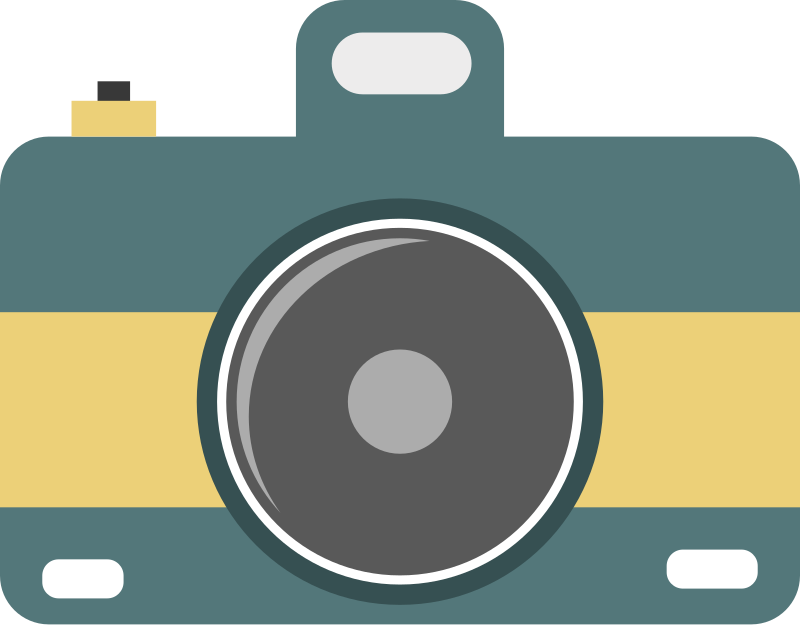
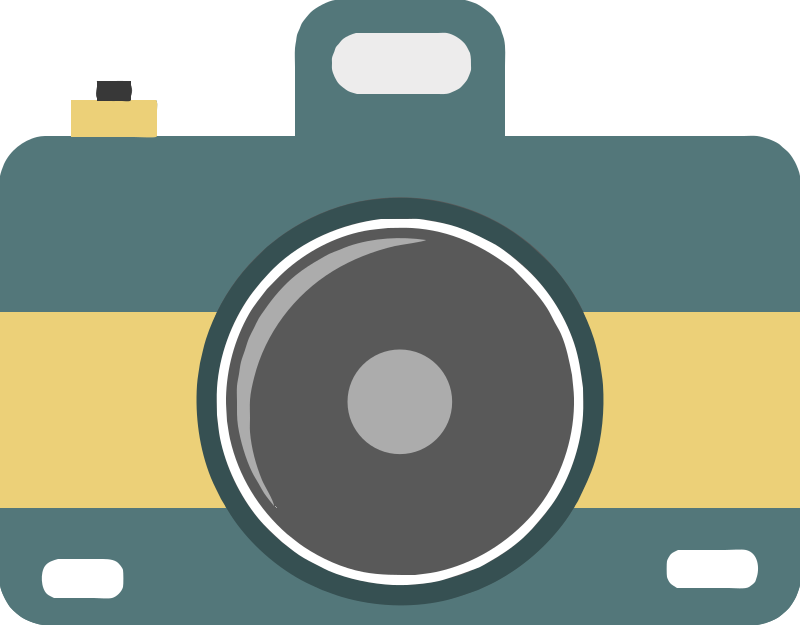
A flat camera icon (CC0) traced into an SVG of 13 shapes in 8 colors: 11 KB as a file and about 5 KB once a server compresses it. Default settings, no edits by hand.
How to make an SVG for the web
Upload the image
Choose, drop or paste the icon, logo or illustration. For icons exported from a design tool, use a 2x or larger export: more pixels give smoother curves.
Keep it light
In Studio, merge near-identical colors and delete specks: every shape is more markup for the browser to download. Smoothing set to Balanced gives fewer, rounder curves.
Get the file or the code
With Pro, download the SVG or copy its code to paste straight into your HTML. Each new version or format you download uses 1 credit.
Using the SVG on a page
Put it in an img tag when it is just a picture. Paste the code inline when you want to style it: each shape has a fill attribute you can override with a CSS rule or replace with currentColor, so an icon can follow your text color or switch for dark mode.
Adaver's SVG has a viewBox and plain filled paths, with no embedded pixels, so it scales to whatever size you give it in CSS. Add a title element inside it if the image needs a name for screen readers.
Keeping file size down
An SVG grows with the number of shapes and points. A flat icon in a few colors is often only a few kilobytes; a detailed illustration with hundreds of shapes can end up larger than the PNG it came from.
Fewer colors mean fewer shapes, so the Colors setting and merging similar colors matter most. Servers also compress SVG text well with gzip or Brotli, so what visitors download is smaller than the file on disk.
Questions
Should I use SVG or PNG on my website?
SVG for logos, icons and flat illustrations: it stays sharp at every size and is often smaller. PNG, WebP or AVIF for photos and detailed artwork, where an SVG would need thousands of shapes.
Can I change the SVG's colors with CSS?
Yes, once it is inline in your HTML. Each traced shape carries its own fill color, which a CSS rule can override, or which you can replace with currentColor in the code.
Is the SVG code clean enough to edit by hand?
It is plain markup: one path per shape with a fill color, inside an svg element with a viewBox, and no scripts or embedded images. Curves are written as path data, so precise shape changes are easier in a design tool than in a text editor.
Do I need Pro for the SVG code?
Yes. Tracing and editing in Studio are free with an account, within fair use, but downloading the file and copying its code both need Pro.
More in the FAQ and on the pricing page.